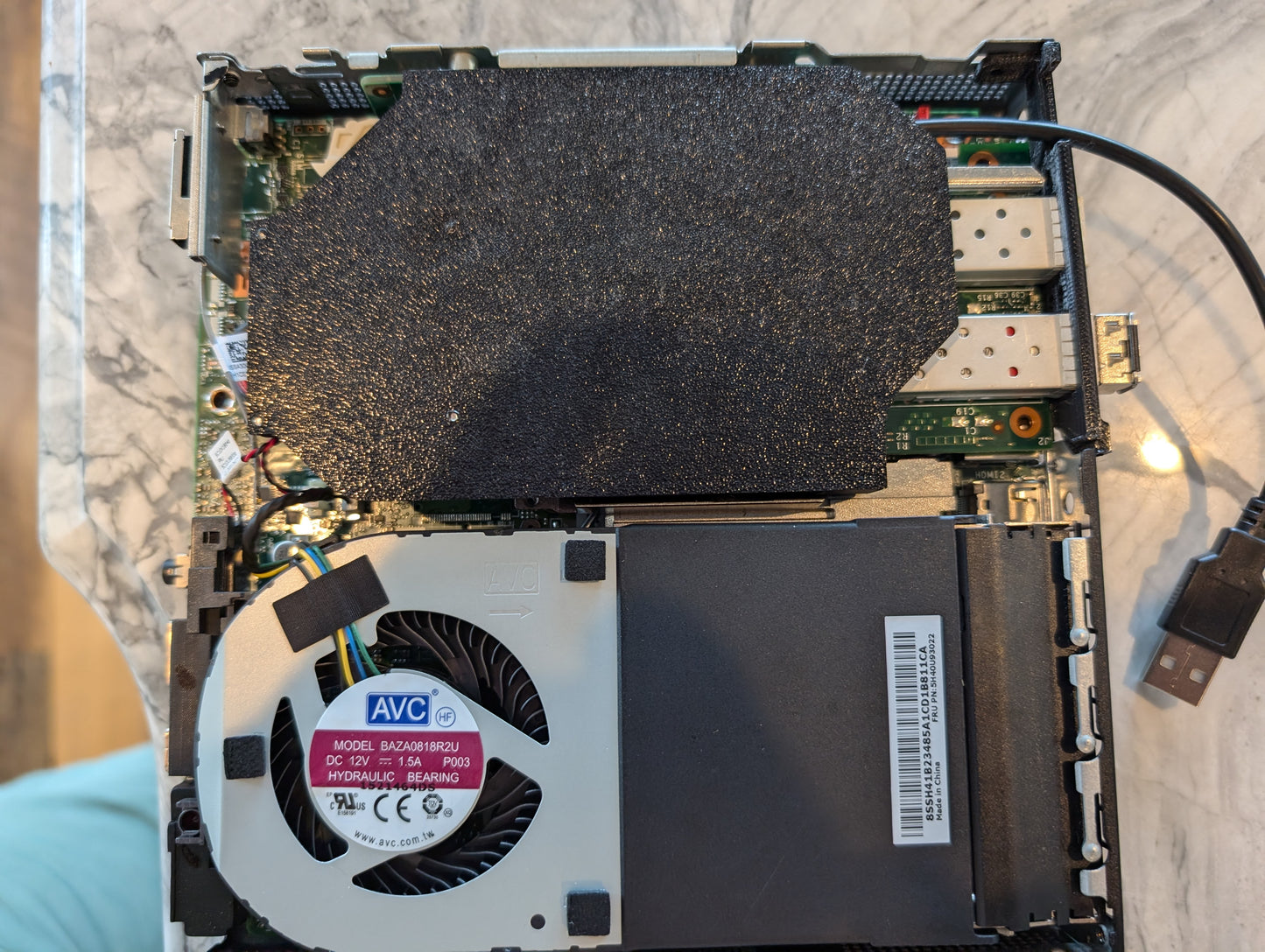
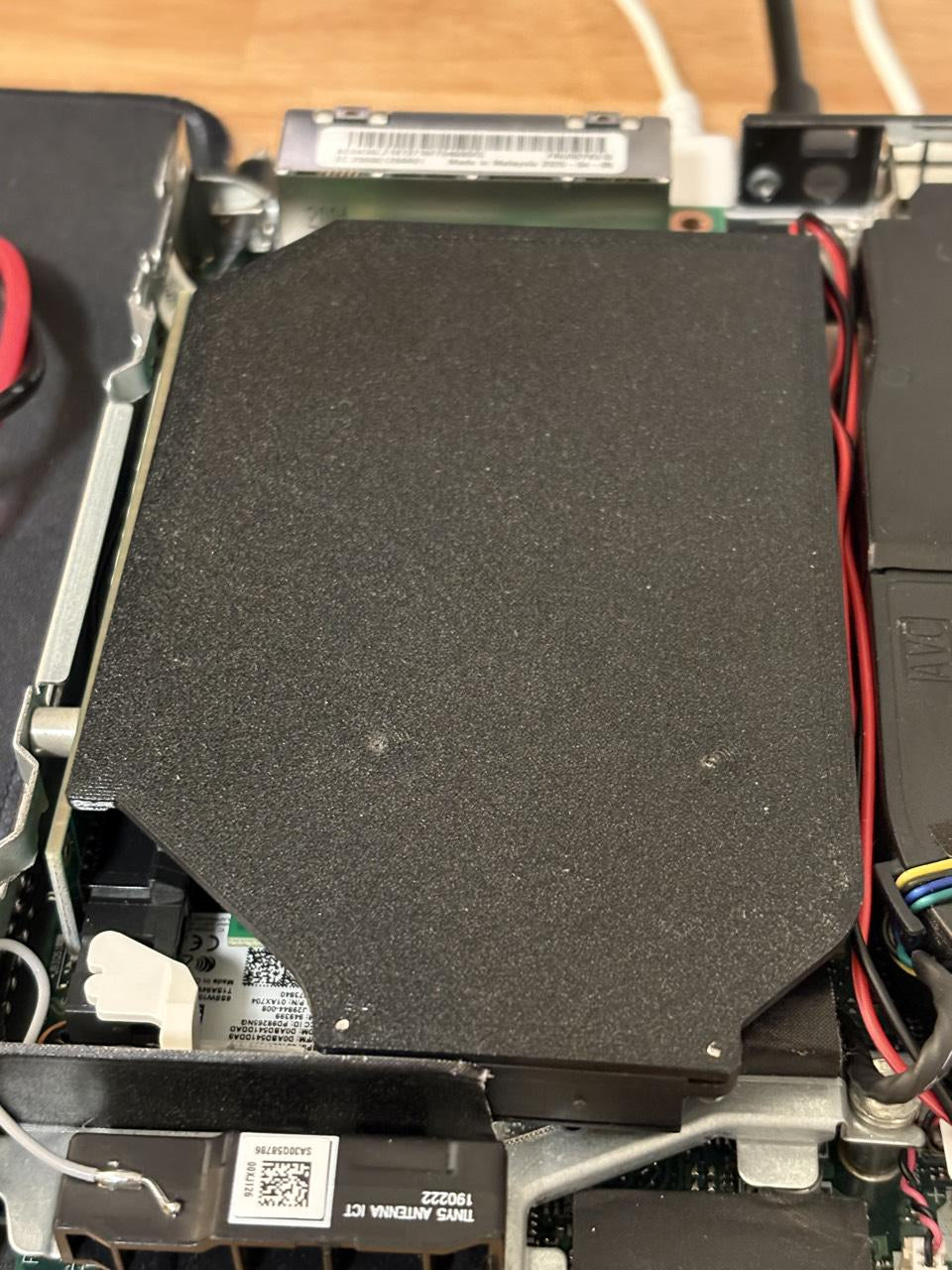
Lenovo Tiny PCIe Fan Shrouds
Lenovo Tiny PCIe Fan Shrouds
Own a 3D Printer? Print it off yourself!
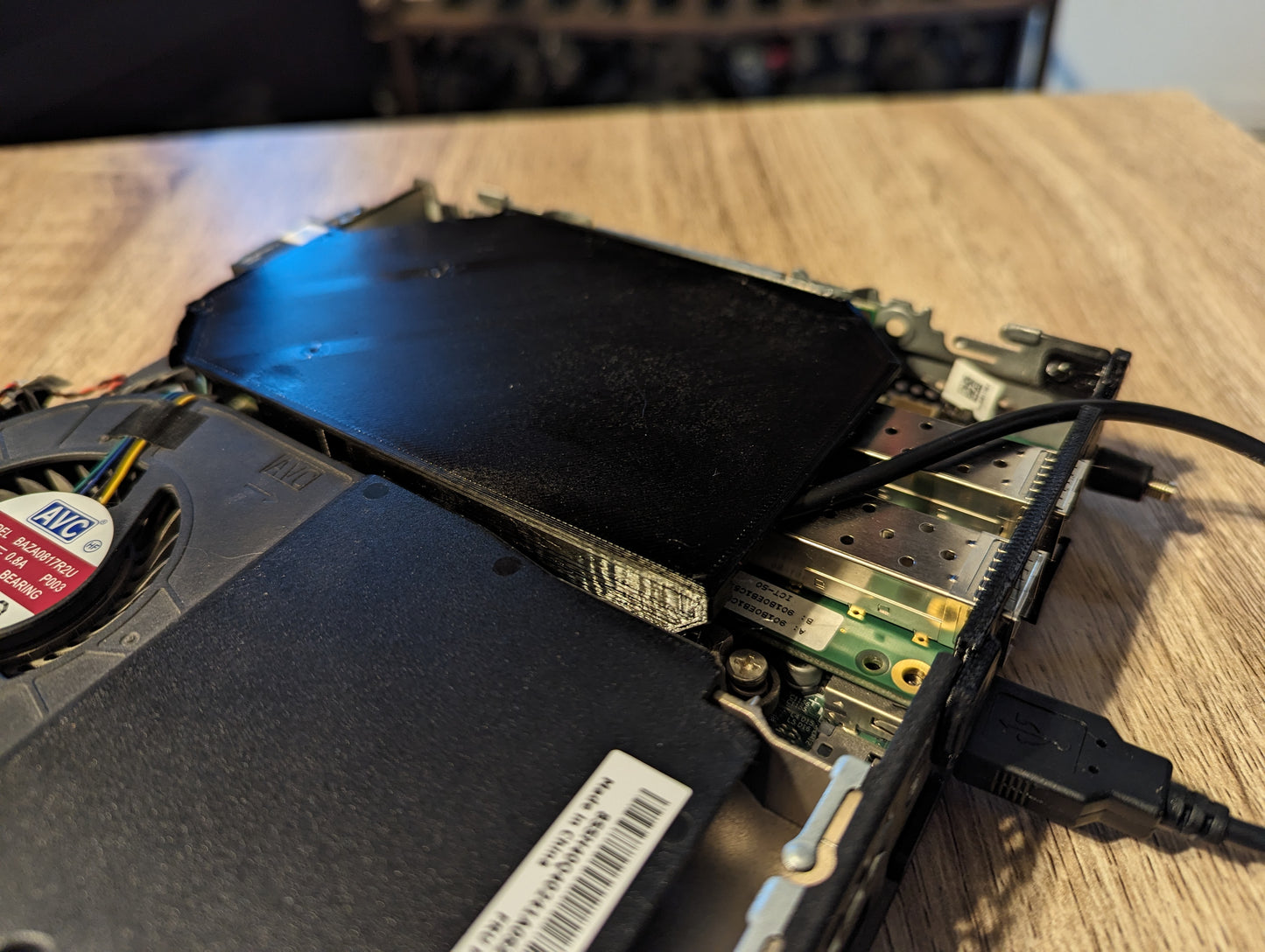
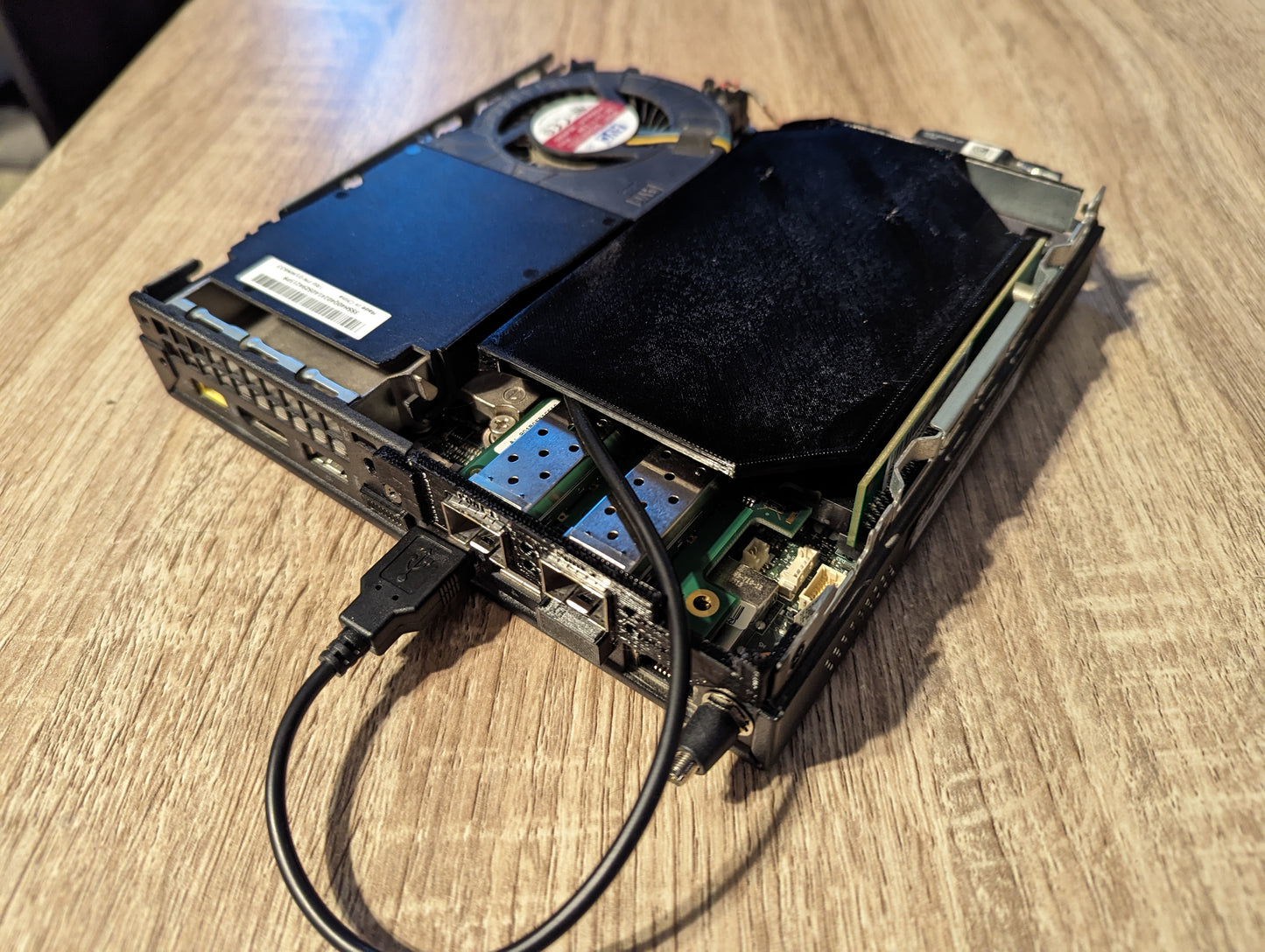
Reduce the temperatures of your network cards or HBAs by up to 44c!

What you get:
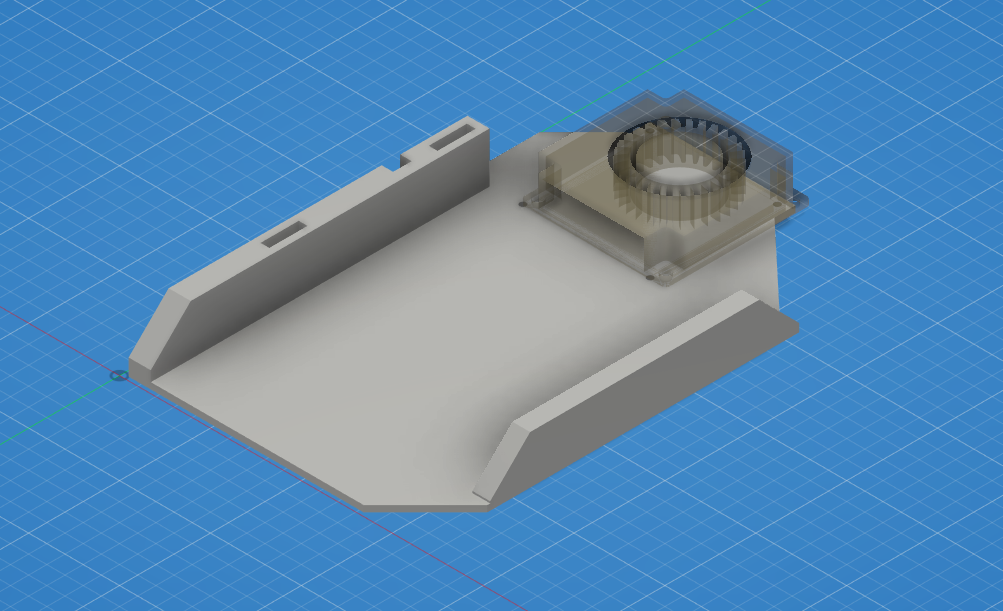
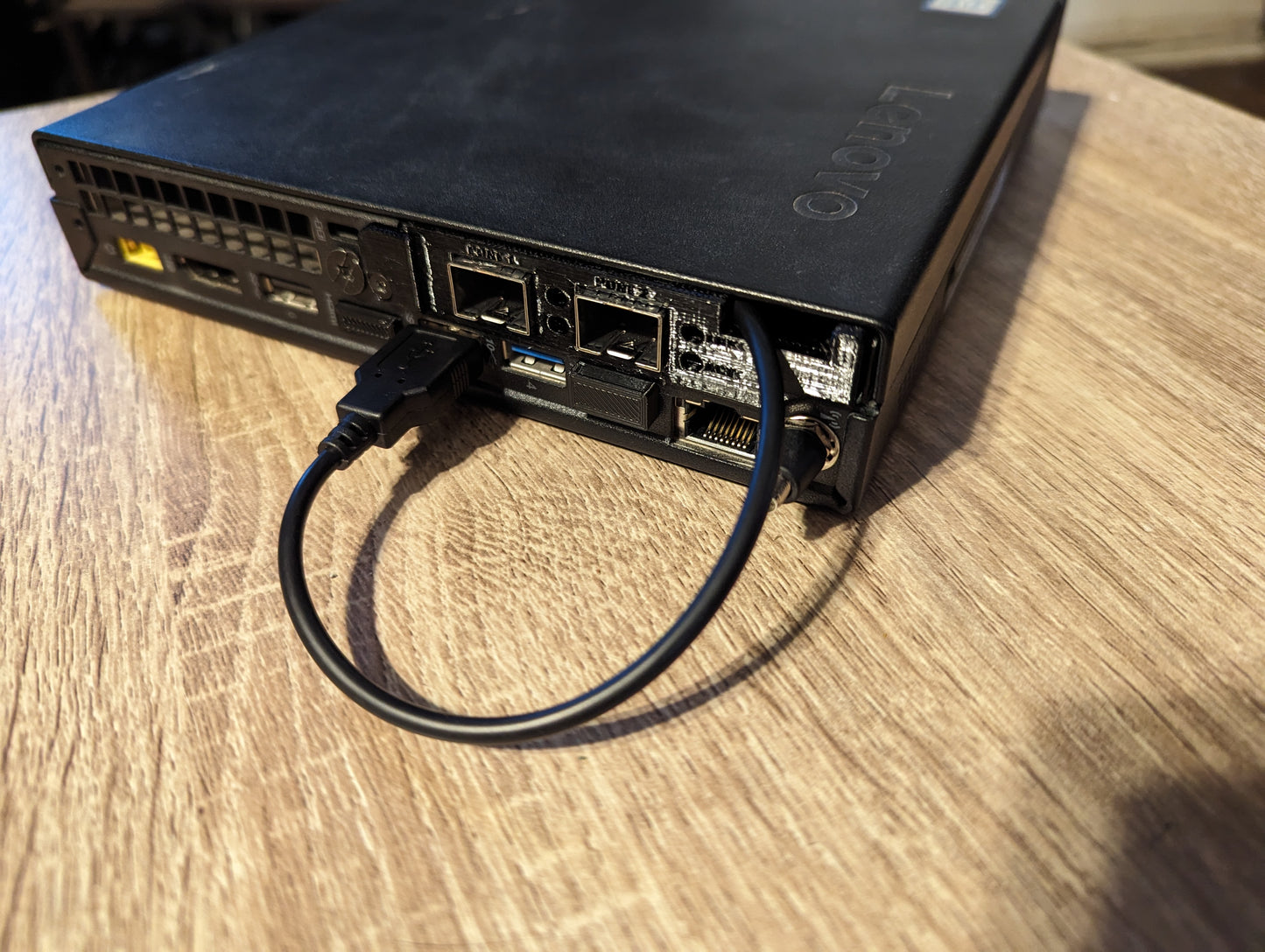
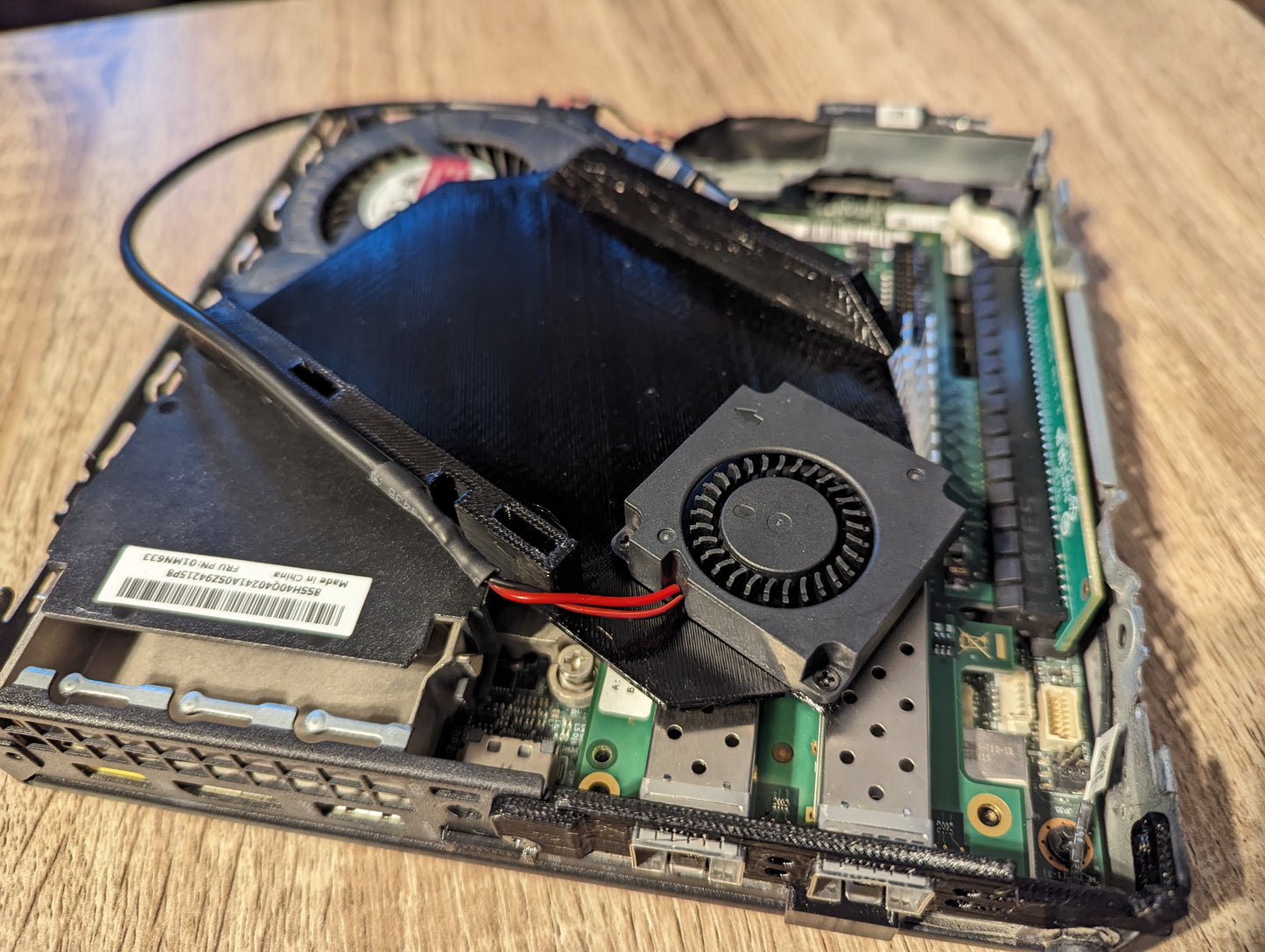
- Fan shroud printed in PETG+
- Dual ball bearing 40mm blower fan
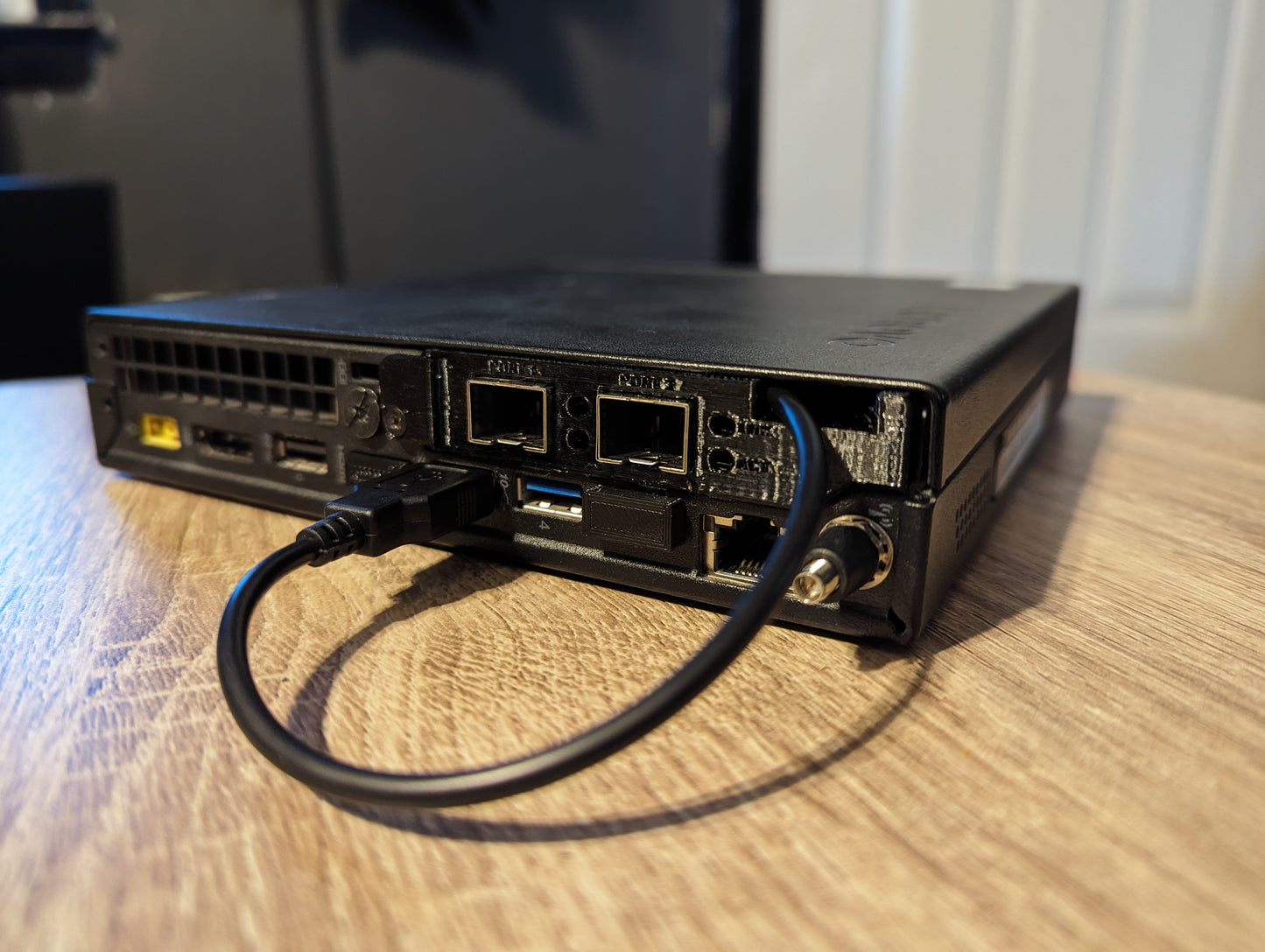
- Baffle/Bracket that matches the card listed in the information box
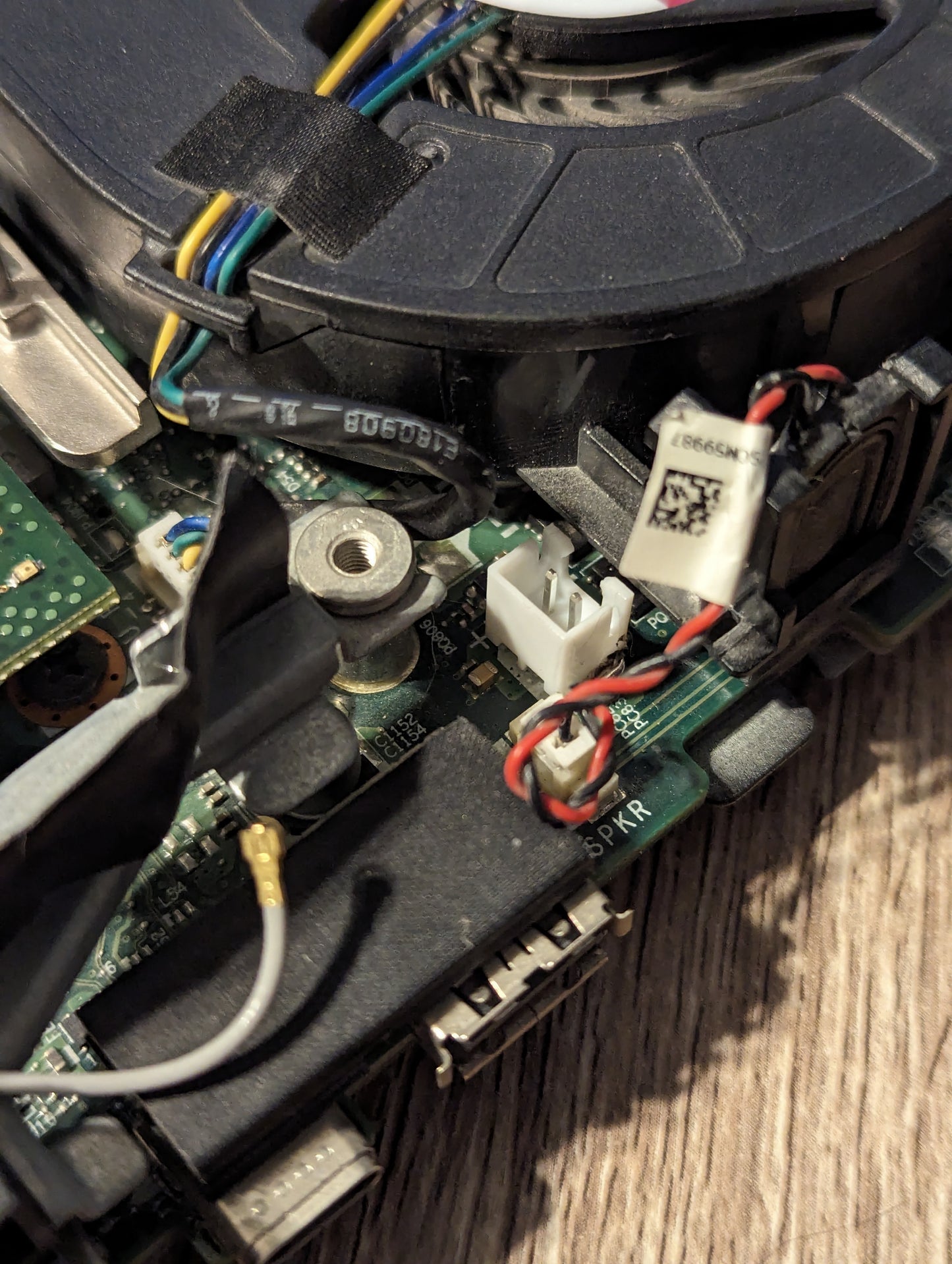
- Two JST 2.54 male plugs that will need soldered to the 5v pad on the board
- USB to JST 2.54 cable
- Itty bitty zip tie for cable management
Generations:
- Gen 1: M720Q, M920Q, P330
- Gen 2: M#0Q, P340, P350
- Gen 3: M#0Q Gen 3, P360
Which cards does it fit?
The shroud itself is not tied to one card. It runs front to back over the card, and the blower sits in the gap between the card heatsink and the front of the case. What has to match your card physically is the baffle, and I cut baffles for:
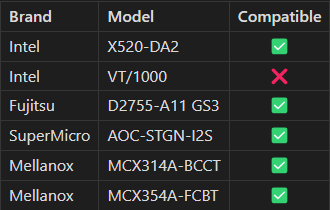
- Intel X520 based cards
- Intel X710 based cards
- Intel X720 based cards
- Intel X550-T2
- Mellanox CX3 and CX4121
- SuperMicro AOC-STGN-I2S
Many branded cards use one of these as a base. If your card looks like one of them, message me a photo and I will confirm the baffle before you order.
Clearance is the thing to check. You need roughly 40mm between the heatsink of your network card and the front of the case, because that gap is where the blower goes. If your card heatsink sits closer to the front of the case than that, this kit will not fit.
Some card revisions cannot be made to fit. The same card model does not always use the same board layout. Certain Intel X710-DA2 revisions place a large inductor immediately beside the heatsink, in the only spot the blower can occupy, and there is no shroud design that works around it. If your card has a tall component sitting between the heatsink and the front of the case, send me a photo of the card installed before ordering and I will tell you straight whether this will work. I would rather answer that question up front than have you buy something that does not fit.
Couldn't load pickup availability
In stock
View full details